Skip to content

Changelog

Every Nimbae release, newest first, and what you can do now that you could not before. Releases that changed nothing you can see are left out.

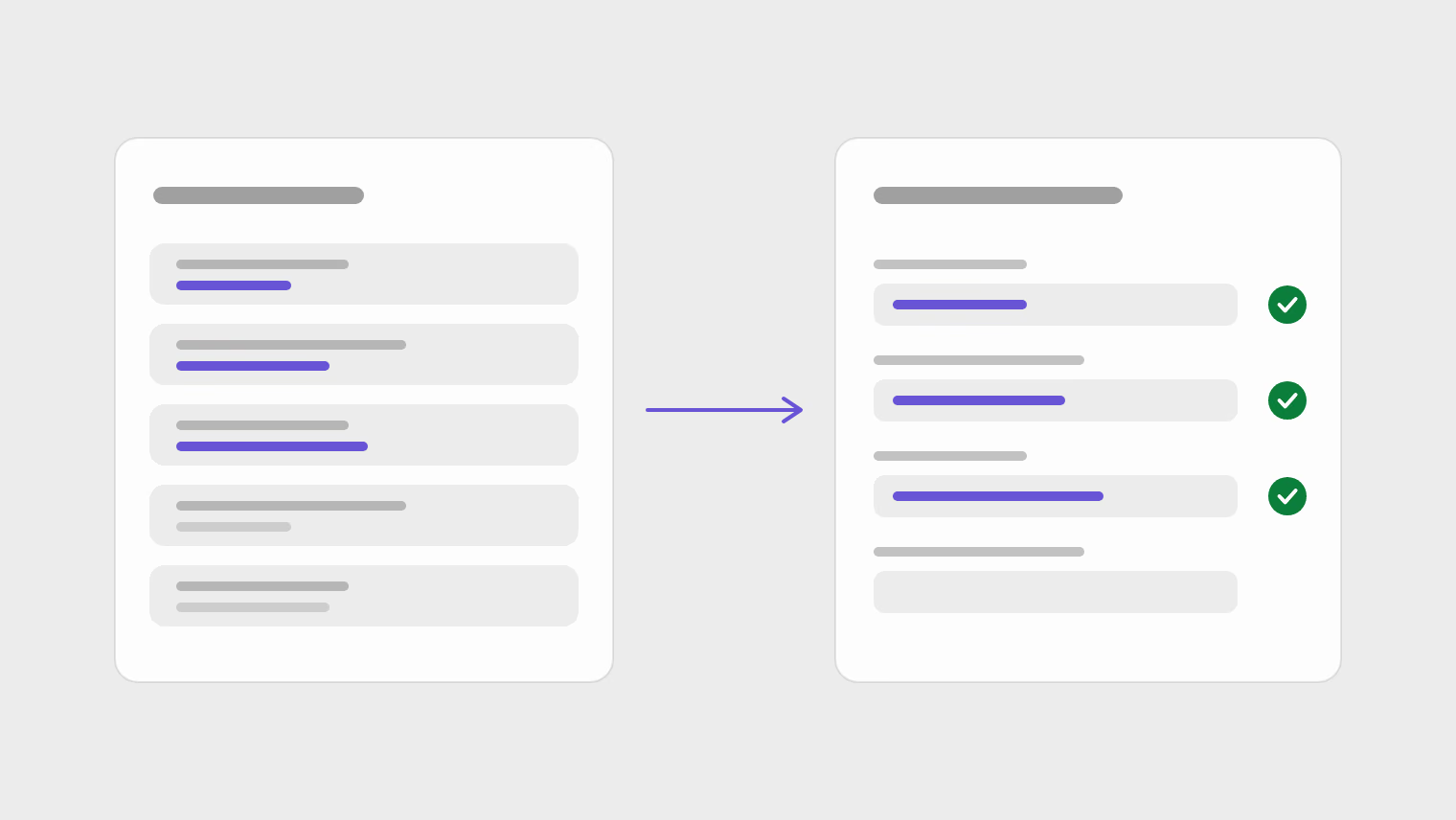
Stored answers on the left filling three fields of an application form on the right.

Latest0.0.1-beta.10

Screening answers, and a shorter way in

Answers you give on every application are stored once, and first-run setup starts from what you are here for instead of what to build.

  • New5
  • Improved2
  • Fixed1

New

  • Screening answer library. Store the answers every application asks for once, and let the browser extension fill them in.
  • Onboarding from your goal. Setup asks what you want to do, then takes you straight to the part of the product that does it.
  • One drop target. Drop a CV, a letter or a profile in one place, and the editor shows what was read out of the file.
  • Letters paired with CVs. A cover letter can be paired with the CV it goes with.
  • Consent for analytics. Analytics run only after you agree in the consent banner, and the privacy page says what is collected.

Improved

  • One document library. CVs, letters and profiles sit in one library grid instead of three tabs.
  • One header everywhere. Documents, jobs, apply and stats share one sticky header with each page's count and main action.

Fixed

  • Cleaner editor bars. The editor and profile bars lost a leftover frosted-glass effect.

Read the announcement

0.0.1-beta.9

Consistent empty screens and a searchable timezone picker

Every empty screen now reads the same way, and alert digests get a proper timezone control.

  • New1
  • Improved2

New

  • Searchable timezone picker. Pick the timezone for alert digests from a searchable list that shows each offset.

Improved

  • Consistent empty screens. Ten empty screens across alerts, applications, documents, jobs and letters now share one design.
  • Clearer keyboard focus. Focus outlines are sharper, so you can see where you are when using the keyboard.

0.0.1-beta.8

The apply queue

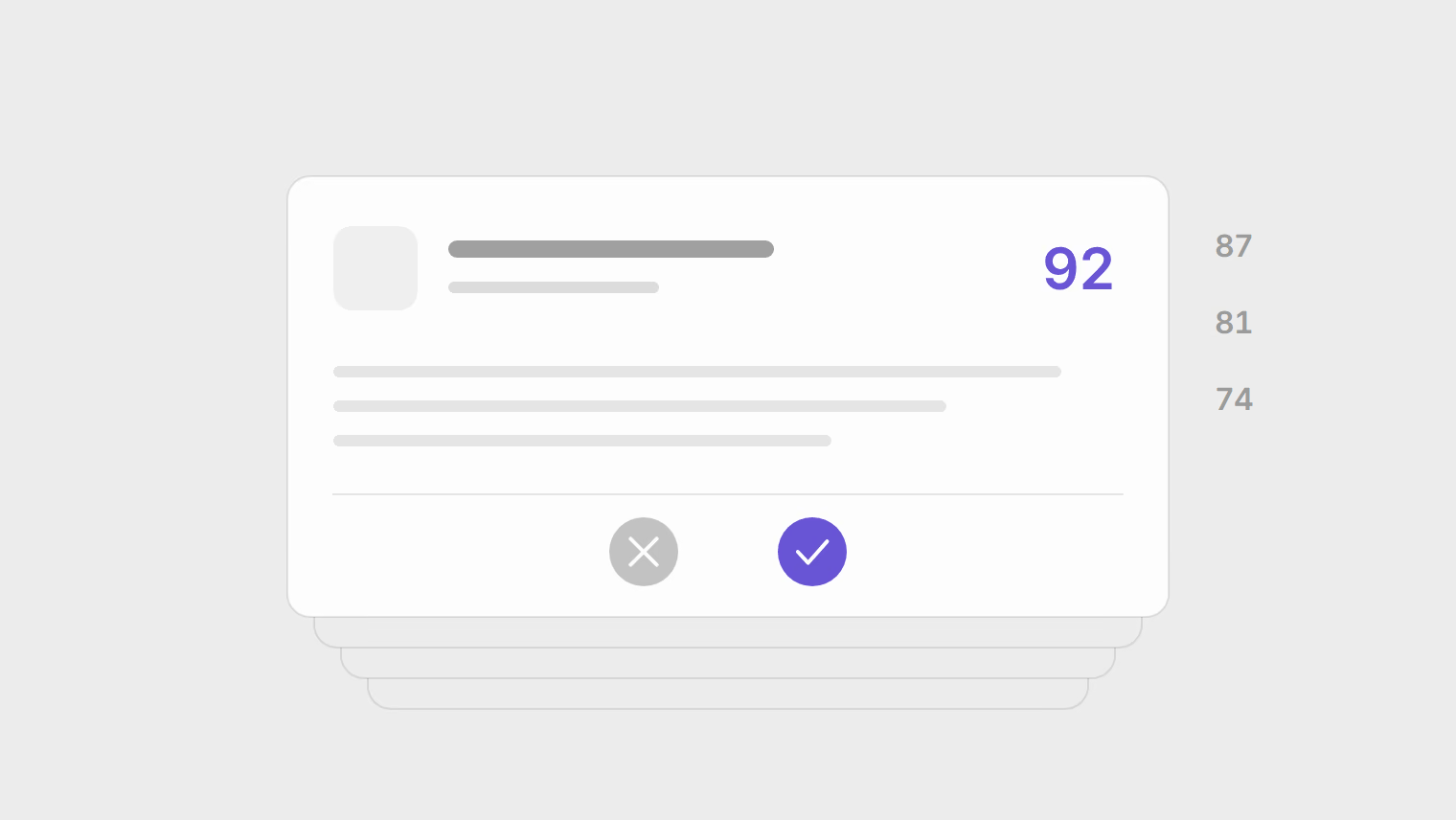
Roles that match your saved searches and tracked companies are scored overnight and queued for a yes or no.

  • New5
  • Improved2

New

  • Apply queue. Go through scored roles at /app/apply, prepare applications in a batch, and move with keyboard shortcuts.
  • Application packets. A prepared application freezes the CV, the tailored letter and your company notes so they do not change afterwards.
  • Form filling. The browser extension fills application forms, answers screening questions and attaches your CV.
  • Follow-ups and interviews. Schedule follow-ups, see a history of what you sent, and record interviews.
  • Command palette. Press Cmd+K to search and move around the workspace.

Improved

  • Filters that stay. Job filters survive going back instead of resetting.
  • Honest conversion rates. Stats qualify a conversion rate by its sample size instead of quoting a percentage from three applications.

Read the announcement

0.0.1-beta.7

Faster job search

Job discovery moved to a dedicated service, and brought thirteen job-board connectors and full-text search with it.

  • New1
  • Improved1
  • Fixed1

New

  • Thirteen job-board connectors. Openings come in from thirteen applicant tracking systems, including Greenhouse, Lever, Ashby, Workable, Personio and Workday.

Improved

  • Full-text job search. Job search covers the full text of each posting and is noticeably faster on large result sets.

Fixed

  • Server errors reported. A server error now shows an error message instead of breaking the page.

0.0.1-beta.6

Accounts with email and password

Sign up, sign in and recover your password with email, and a stalled start now tells you so.

  • New2
  • Fixed1

New

  • Email accounts. Sign up, sign in, reset a forgotten password and confirm your email address.
  • Reliable account emails. Account emails are sent through a transactional email provider.

Fixed

  • No more blank start. A startup that stalls shows an error with a way out instead of a blank page.

0.0.1-beta.5

A rebuilt landing page and safer sign-in links

The landing page walks through the apply loop, and sign-in redirects were tightened.

  • New1
  • Improved2
  • Fixed1
  • Security1

New

  • Sign-in layout. Sign-in has its own layout, with the brand panel beside the form.

Improved

  • Landing page. The landing page walks through the whole apply loop instead of listing features.
  • The Assistant. Ask Studio is now called the Assistant everywhere.

Fixed

  • Clean sign-out. An expired session signs you out cleanly instead of leaving a half-working page.

Security

  • Safer sign-in links. Sign-in links only redirect back into Nimbae, and tokens are removed from the address afterwards.

0.0.1-beta.2

Stats, the assistant and real exports

The release that turned a CV editor into an application tracker: a stats dashboard, an assistant that works in your workspace, and exports worth sending.

  • New6
  • Improved2
  • Fixed1

New

  • Stats dashboard. See conversion funnels, applications over time and an activity heatmap.
  • Full-screen assistant. An assistant that can read and update your workspace.
  • Real PDF and Word exports. PDF export renders the real document, and Word export is a genuine DOCX file.
  • Application history. Each attempt keeps a frozen record of what was sent.
  • Import and first run. First-run onboarding, and CV import from PDF, Word, Markdown or plain text.
  • Sign in with Google. Sign in with your Google account.

Improved

  • Kanban board. Drag applications between columns on the application board.
  • Fresher job feed. The job feed shows the last seven days by default and says how fresh the catalogue is.

Fixed

  • No silent data loss. A full browser storage quota no longer loses your work without warning.
0.0.1-beta.1

First release

The CV editor, the document templates, the profile wizard and PDF export.

  • New3

New

  • CV editor. Edit a CV with a live preview.
  • Profile wizard. Create a profile with a guided wizard.
  • Templates and PDF. Choose a document template and export it to PDF.