Screening answers you write once
A screening answer library stores the questions every application asks, and first-run setup now starts from what you are here for.
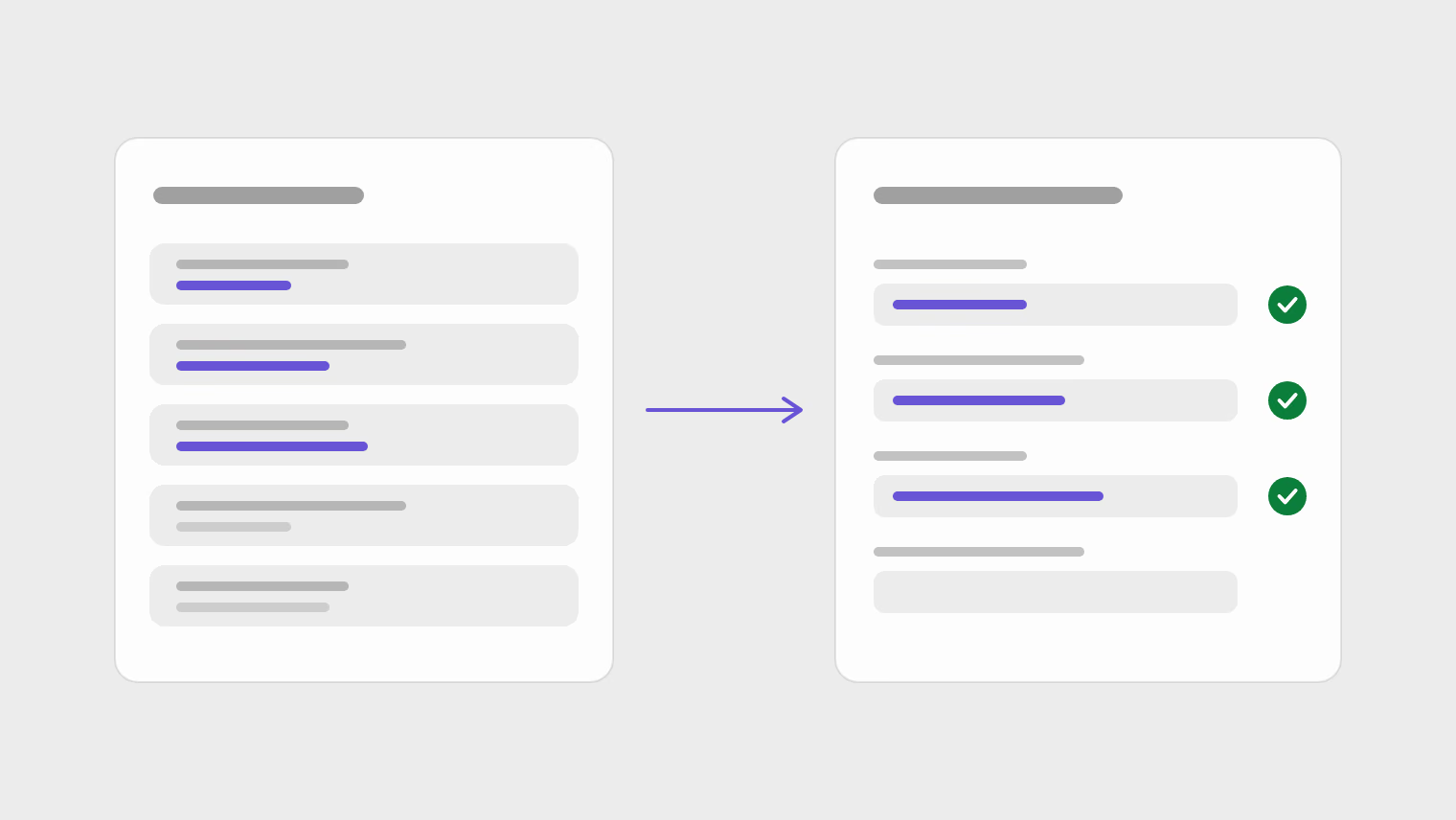
Every application asks some of the same screening questions. Version 0.0.1-beta.10 adds a screening answer library: you store those answers once, and the browser extension fills them in.
A shorter first run
Onboarding now starts from your goal, then takes you straight to the part of the product that serves it. It no longer opens by asking what you want to build.
One place to drop a file
There is one drop target for a CV, a letter or a profile. After a file is read, the editor shows a receipt of what was read out of it.
Also in this release
- Cover letters can be paired with the CV they go with.
- CVs, letters and profiles share one library grid instead of three tabs.
- One sticky header across documents, jobs, apply and stats, carrying each page's count and main action.
- Analytics sit behind a consent banner, and the privacy policy describes what is collected.
Every change in the release is in the changelog.